What Is AI Voice Typing Software—and How Is It Different from Traditional Dictation?
From speech to ready-to-use text: how AI voice typing understands meaning, context, and the way you work.
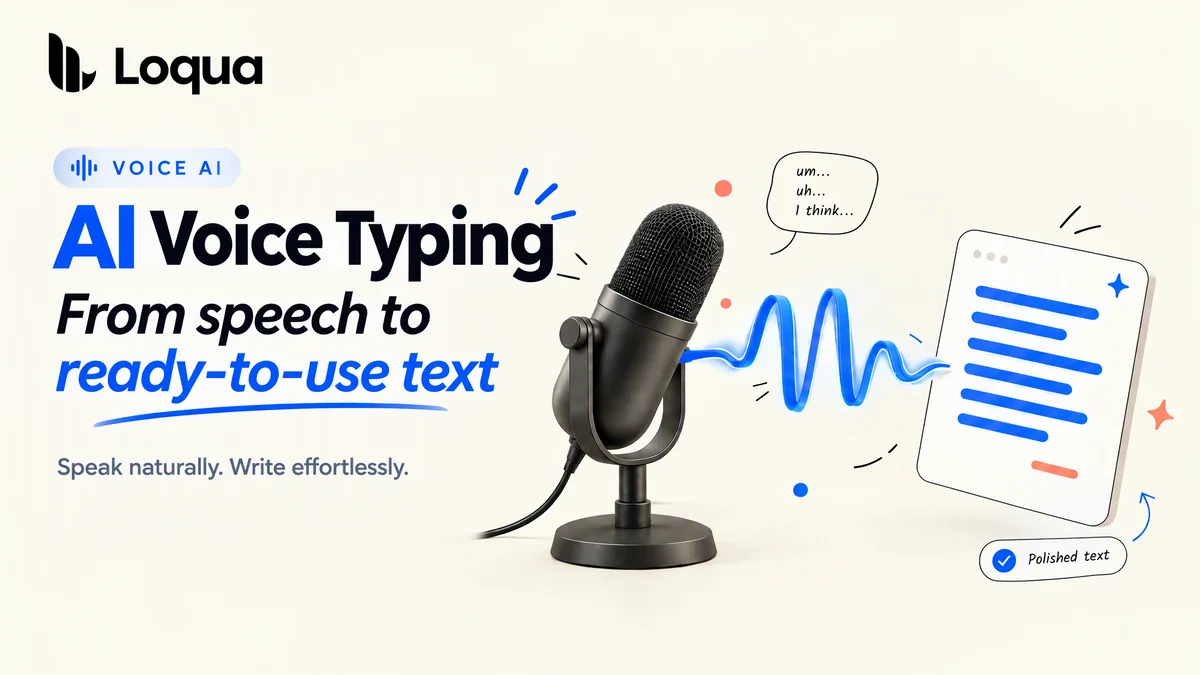
For most people, speaking is much faster than typing. Yet keyboard input continues to dominate everyday workflows, whether people are drafting emails, writing documents, or coding. The key distinction is that converting speech into text is not the same as transforming ideas into a polished, ready-to-use draft.
Traditional dictation software does little more than capture speech and render it as text, preserving the original wording and sequence almost verbatim. By contrast, AI voice typing goes beyond transcription: it interprets meaning, context, and the specific use case, then transforms conversational speech into polished, ready-to-use text.
What Is AI Voice Typing?
Imagine you work in business development and have an inbox full of emails to answer every day. You are traveling, carrying luggage, and have only one hand free to type. After one typo too many, you tap the voice input button beside your keyboard.
But when you finish speaking, the result is filled with “ums,” “uhs,” and other filler words. Some industry-specific terms are wrong, too. You have to stop and edit the text line by line. You typed less, but you did not actually save any time.
AI voice typing changes that experience. It uses AI to interpret and organize your speech before presenting a refined version on your screen. Instead of producing a word-for-word transcript, it can:
- Remove filler words such as “um,” “uh,” and “you know”
- Cut repetition and clean up false starts
- Add punctuation automatically
- Organize ideas into paragraphs, headings, or bullet points
- Adapt the writing style to different apps, tasks, and situations
- Recognize names, technical terms, and other information visible on your screen
The goal of AI voice typing is not to capture every word exactly as spoken. It is to preserve what you mean while making the final text clearer and easier to use.
AI Voice Typing vs. Traditional Dictation: What Is the Difference?
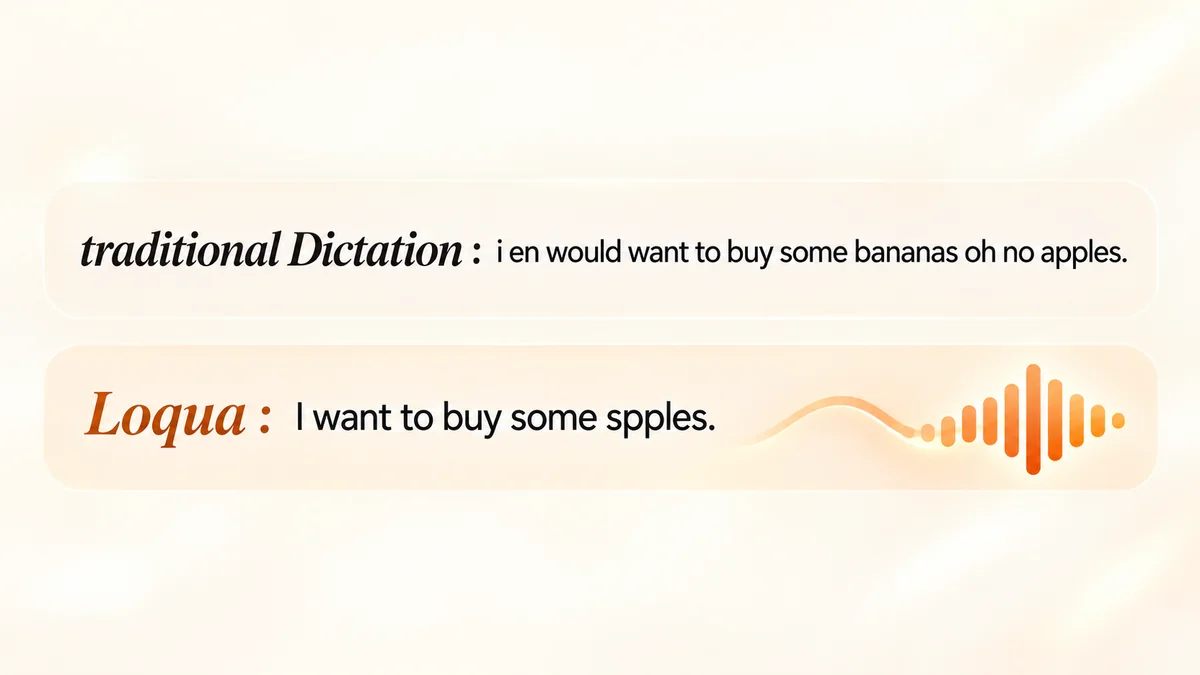
Traditional dictation focuses primarily on transcription accuracy. Suppose you say:
Hi, Lucy. We would like to, um, work with your company. We can discuss the revenue share—as you mentioned in your email, 80%—sorry, 70%....
A traditional dictation tool may capture nearly every word correctly. But the result is still a raw transcript filled with pauses, a verbal correction, and phrasing that would not be appropriate to send as a formal email.
An AI voice typing tool can turn the same input into this:
Hi Lucy,
We would like to explore a partnership with your company. We are open to further discussing the 70% revenue share mentioned in your email.
Both tools recognize speech, but they produce different results. Traditional dictation generates a transcript. AI voice typing produces a refined first draft that you can continue editing—or use immediately.
In short, the key differences are:
| Comparison | Traditional Dictation | AI Voice Typing |
|---|---|---|
| Primary goal | Convert speech into text | Turn spoken language into usable text |
| Filler words | Usually preserved | Automatically identified and removed |
| Verbal mistakes and repetition | Usually require manual editing | Can be corrected and condensed automatically |
| Text structure | Follows the order in which you speak | Organizes content into paragraphs, headings, and lists |
| Writing style | Usually remains unchanged | Adapts to the app and use case |
| Context awareness | Relies primarily on audio | Can draw on app and on-screen context |
How Does AI Voice Typing Understand Context?
Speech is often ambiguous. The same sound could refer to a person’s name, a technical term, or an everyday phrase. Traditional speech recognition relies primarily on audio, so it may struggle to determine what you mean when several words sound alike.
Context-aware AI voice typing software can make a more accurate choice by drawing on information from the app you are using and the content visible on your screen.
If you are writing code, it can recognize library names and variables. If you are replying in Slack, it can produce a shorter response that fits the tone of a casual conversation. If you are drafting a document, it can organize a longer train of thought into paragraphs and sections.
That is why AI voice typing feels less like transcription and more like writing.
How Does Loqua Deliver AI Voice Typing?
Loqua is an AI voice typing and transcription tool for Mac and Windows. If your thoughts move faster than your fingers and you want usable text without stopping to clean it up, Loqua is designed for that.
Loqua removes filler words, reduces repetition, organizes spoken thoughts, and inserts the refined text directly into the app you are using. It also draws on screen and app context to recognize technical terms, names, places, and the type of content you are creating more accurately.
Where Can You Use Loqua?
AI voice typing is useful anywhere you would normally type, including:
- Writing emails in Gmail or Outlook
- Replying to messages in Slack or Microsoft Teams
- Capturing and organizing ideas in Notion, Obsidian, Google Docs, or Microsoft Word
- Writing prompts for ChatGPT, Claude, Cursor, or Claude Code. Developers can also read this guide to voice typing for AI coding.
Whether you are writing an email, taking notes, or creating prompts for AI coding tools, Loqua is not designed to produce a raw transcript. It turns spoken language into clear, ready-to-use text.
Traditional dictation records what you say. AI voice typing helps you communicate what you mean.
Try Loqua and turn your unfiltered thoughts into clear, polished writing.